6:45 pm. Kitchen table.
The job is long finished. Still trying to piece together what happened at the customer’s this morning? There’s an easier way.
The work report app for trades: say what you’ve done. Add times and photos – and send it to the office.

Becker family · Bathroom
Example: while working time is running, “Tap installed. Leak test completed.” is spoken and added to the report.

The job is long finished. Still trying to piece together what happened at the customer’s this morning? There’s an easier way.
A note on paper is little use if nobody can find it – or read it.
What work, how long, which customer? Capture the details while they’re still fresh.
On first launch, your team enters their language, name, company and company email. After that, one tap is enough: the app records the start time and – with location permission – the location and address.
Simplified app view
The app guides you through the job like a chat: where are you? Which customer? What did you do? Answer using the microphone button or type your text.
Simplified app view
Take pictures with the camera or choose them from the gallery. They’re attached to the report. You can remove any photo added by mistake.
Simplified app view
The preview shows your report. Correct any misrecognised words and confirm the end of work. The app automatically adds the end time and end location, provided location access is enabled.
Simplified app view
The completed work report is emailed to your company, with photos as attachments. Shortly afterwards, the app is ready for the next job.
Simplified app view
A fit for your working day?
Get the appBathroom installation · 23 September 2026
Location at start and finish:
Musterstraße 12, 30159 Hannover
Example with fictional data.
Optionally, a GPS trail can be added: an entry every five minutes with time and address. The email contains a text and an HTML version – in the selected app language.
Times, tasks, location and photos stay together. Your office doesn’t have to piece the information together from separate messages.
Job details arrive after work finishes. Your office can get on with billing instead of waiting until Friday for paper notes.
What was done, when and where? Photos, times and recorded locations help you document the job clearly.
Read or listen to a question, then answer by voice or text: the app works like a chat. That makes getting started straightforward.
Your team uses the app in their own language. Switch at any time using the flag icon, without restarting. The report is sent in that same language – it is not automatically translated into German.
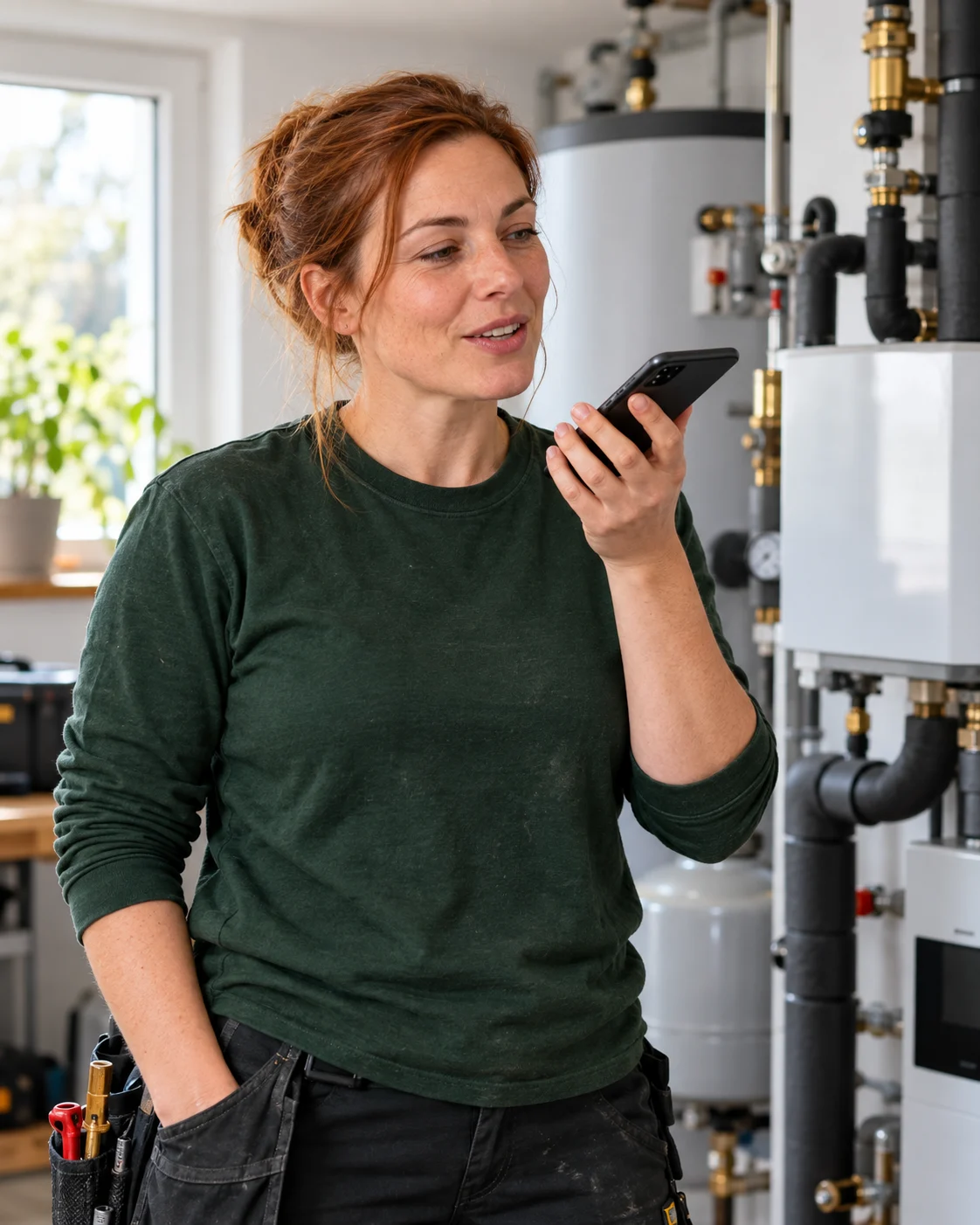
Large buttons and clear contrast help outdoors – even with gloves and in daylight.
In automatic mode, the app reads questions aloud and starts recording. Without microphone permission, simply type.
Drafts are saved continuously. After an interruption, pick up where you left off; sent reports are in your history.
You can currently download MyWorkReport free of charge. We reserve the right to make changes in the future.
MyWorkReport is already available: in the App Store for iPhone and iPad and on Google Play for Android.
Yes. MyWorkReport is available for Android on Google Play and for iPhone and iPad in the App Store. The workflow and controls are the same on both systems.
Data only leaves the device by email to your own company. On iPhone and iPad, speech recognition runs directly on the device, and the app queries Apple to turn a GPS point into an address.
In nine languages: German, Turkish, Russian, Arabic, Polish, English, Romanian, Kurdish (Kurmanji) and Italian. The report arrives in the language selected in the app.
No. The app works like a chat: it asks a question, and you answer by voice or text. On first launch, you enter your name, company and company email address once.
The app still works. Without location permission, only the address is missing from the report; without the microphone, text input remains available.
Yes. All sent reports are in the history, where you can view them and send them again.
Get MyWorkReport for your working day – free on the App Store and Google Play.
For your smartphone and tablet
Download MyWorkReport from the App Store or Google Play.